Maps of your Cities: Skylines cities · version 1.0
A map for the city you built.
Every avenue you drew, every neighbourhood that grew along the river. Vellum turns your save into a map you can explore, read and keep, and that makes you want to go back and keep building.
Free and open source · Windows, macOS and Linux · also on Microsoft Store
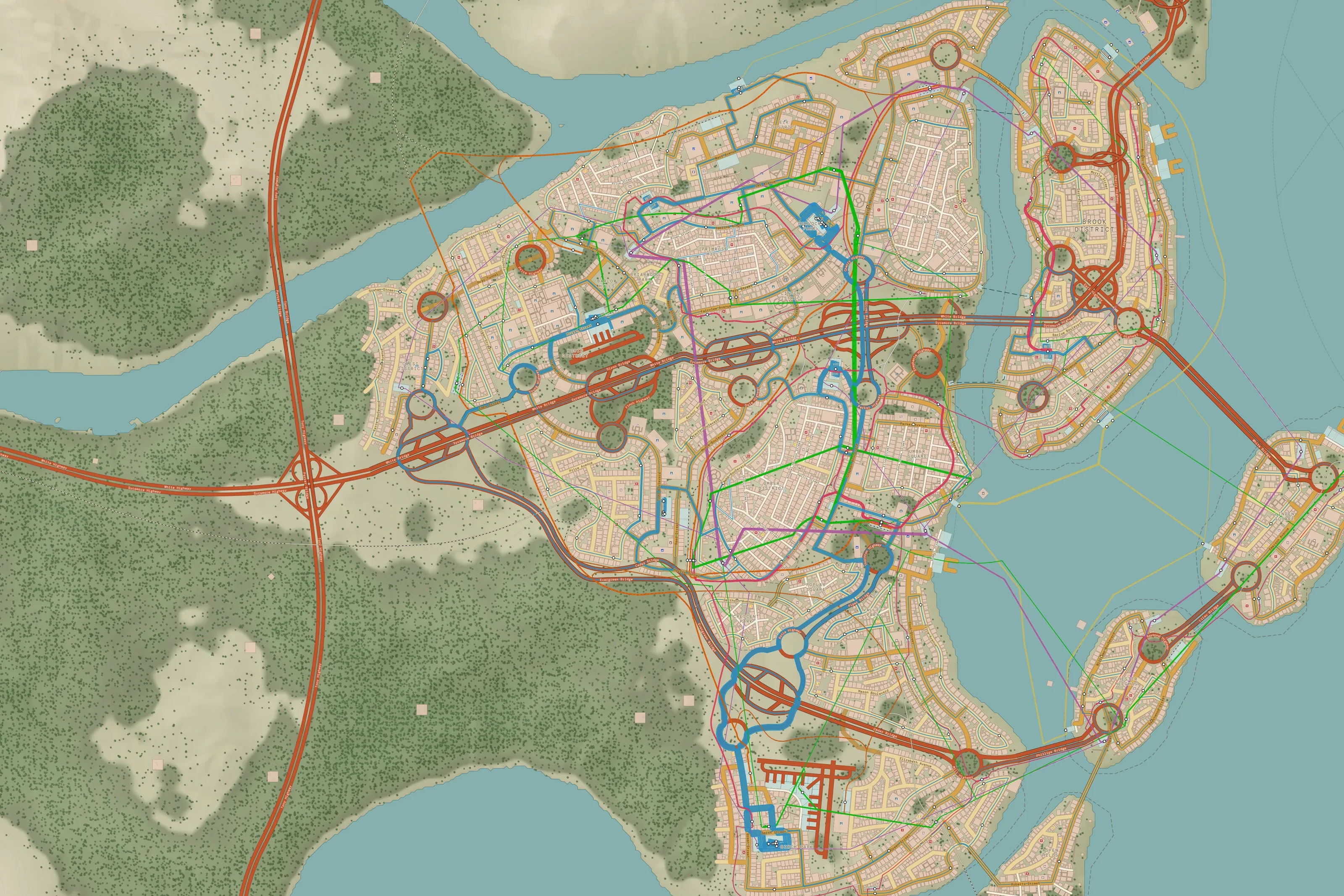
Spring Valley · Day theme · Credit: SgtHK · Steam Workshop
02 · Real maps
Real cities, from people who play.
This is how real saves look when you open them in Vellum: coasts, islands, bridges and avenues someone raised by hand, one stretch at a time.
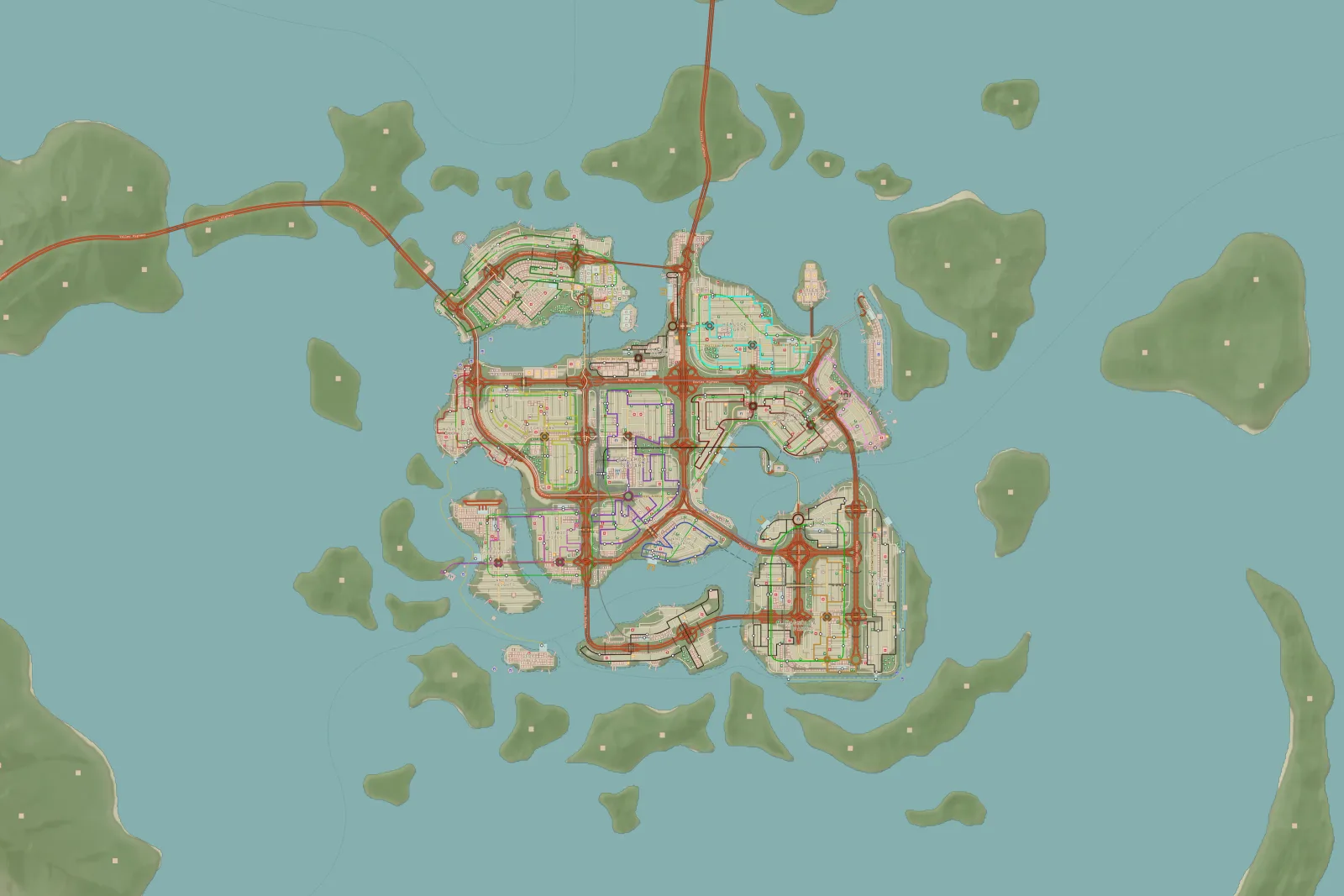
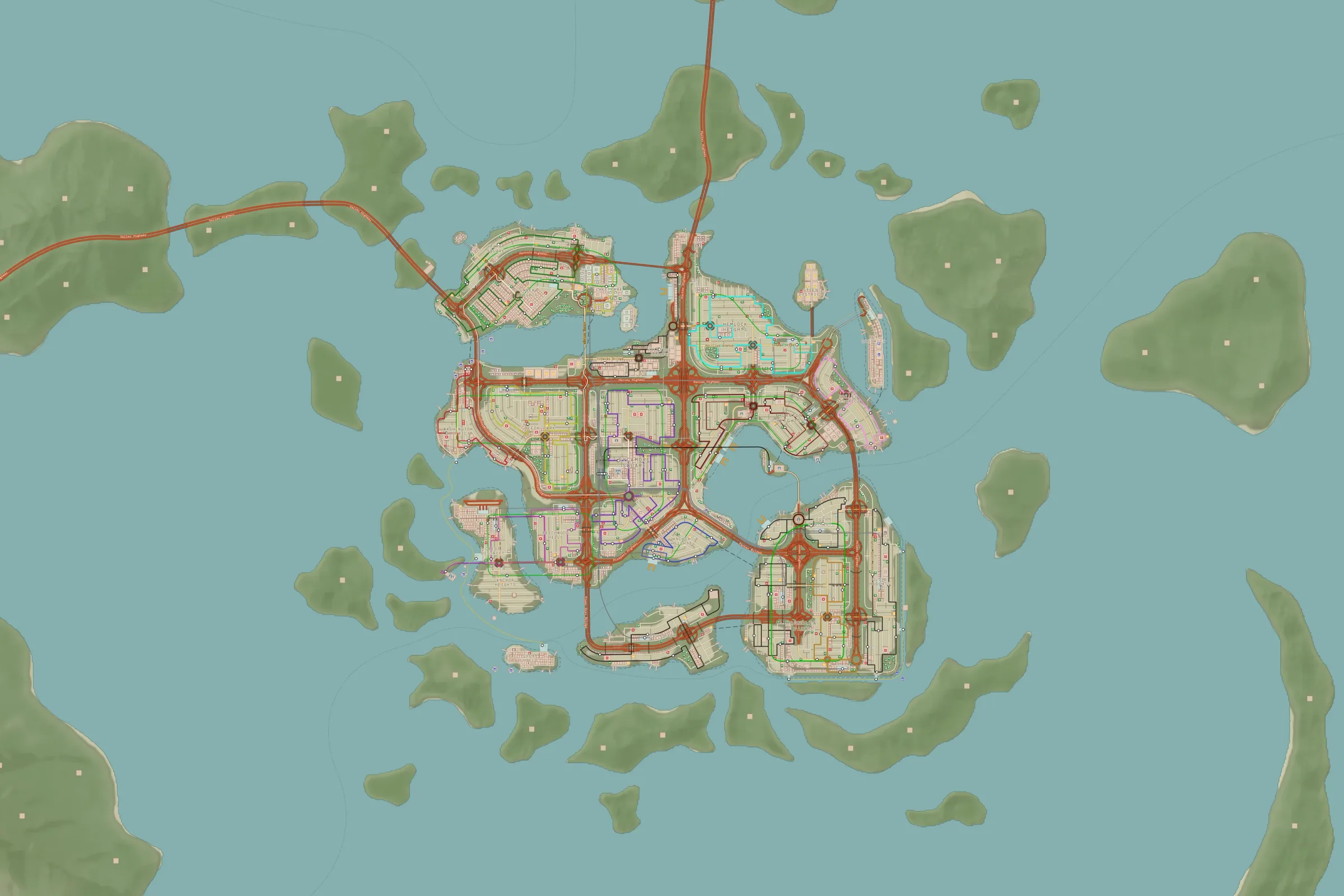
Island HoppingDay theme · a city spread across the water
Credit: Paper Wings · Steam Workshop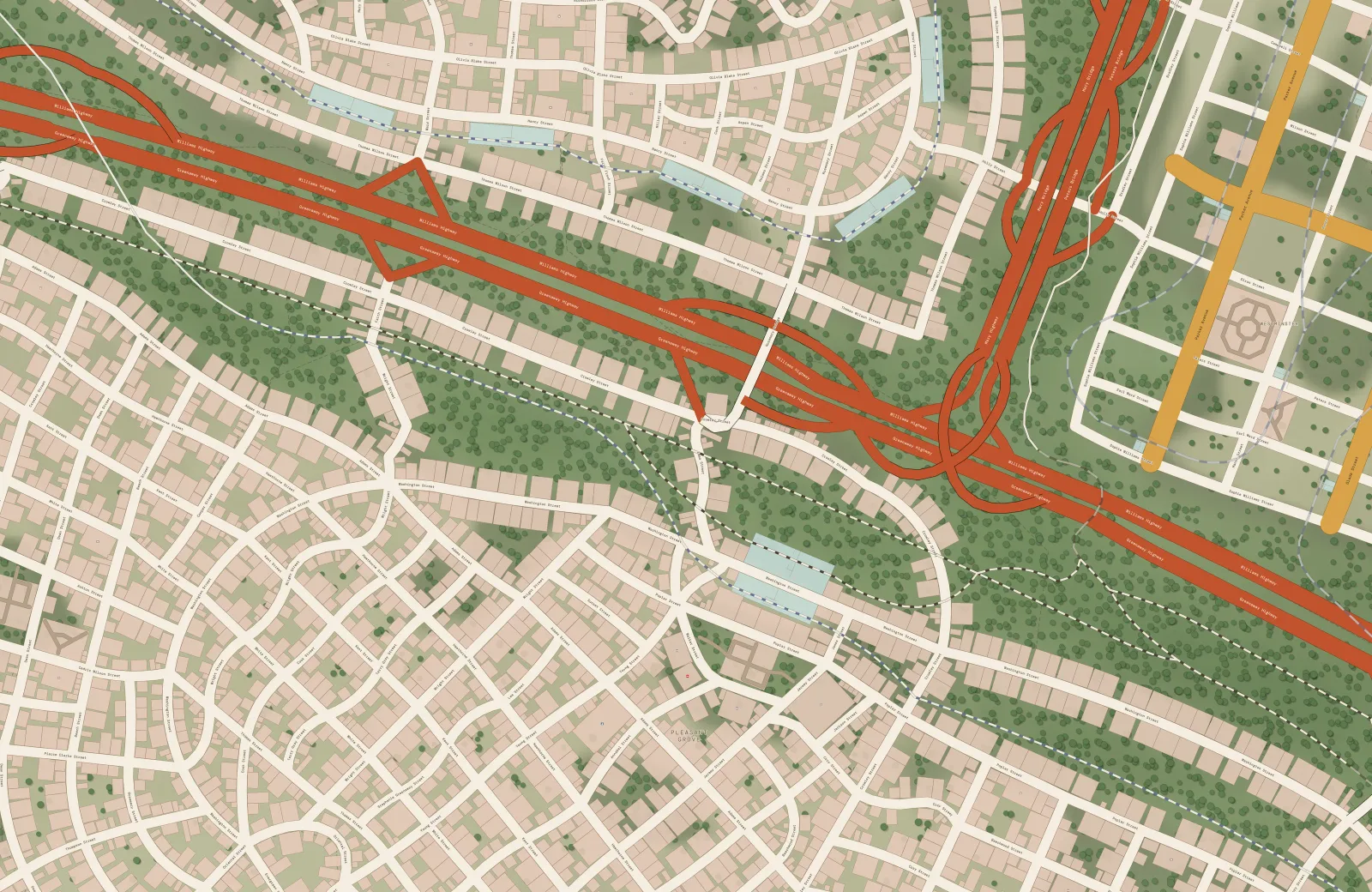
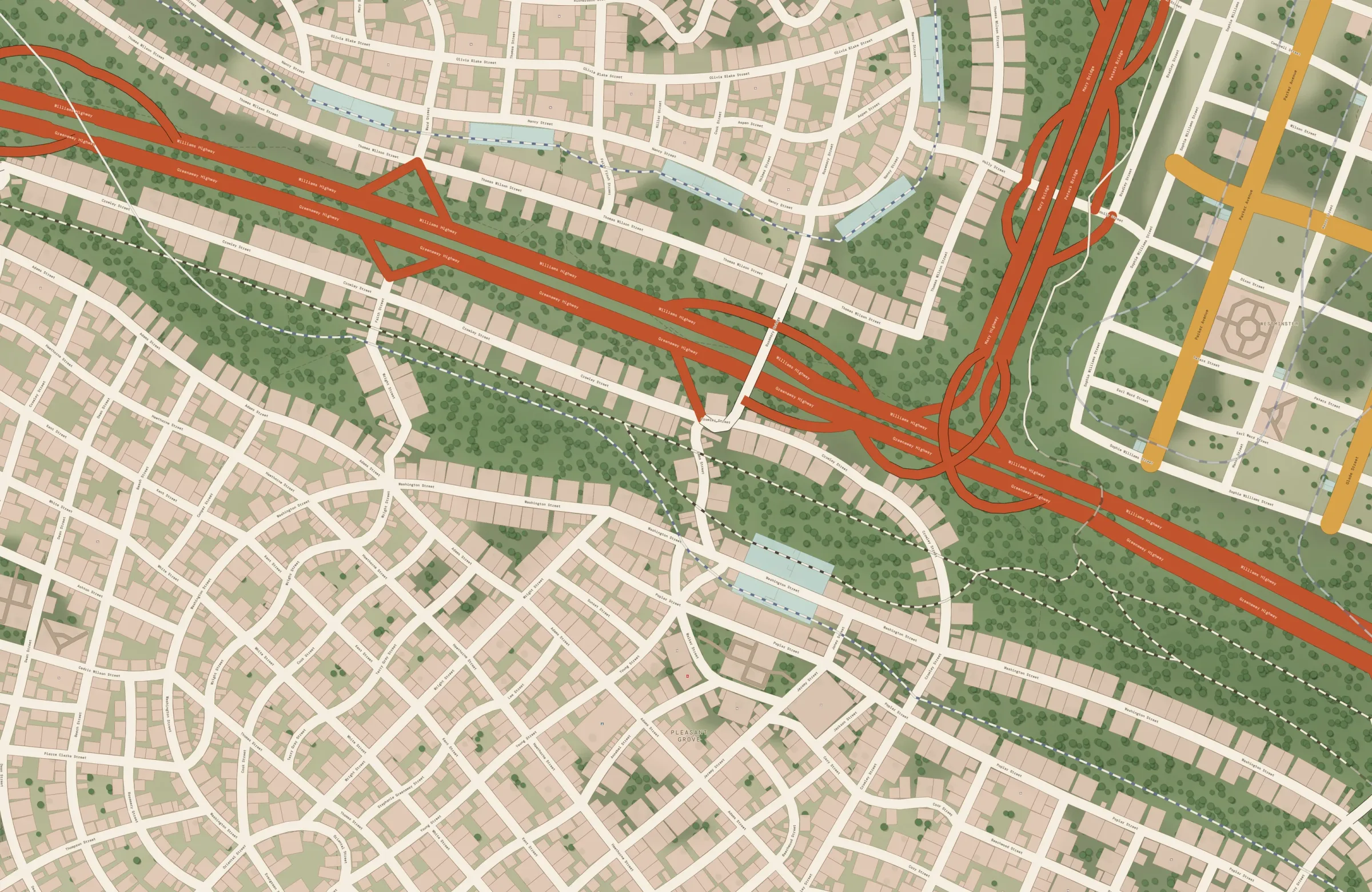
San RicoDay theme · a motorway between neighbourhoods and woods
Credit: miguelchavez · Steam Workshop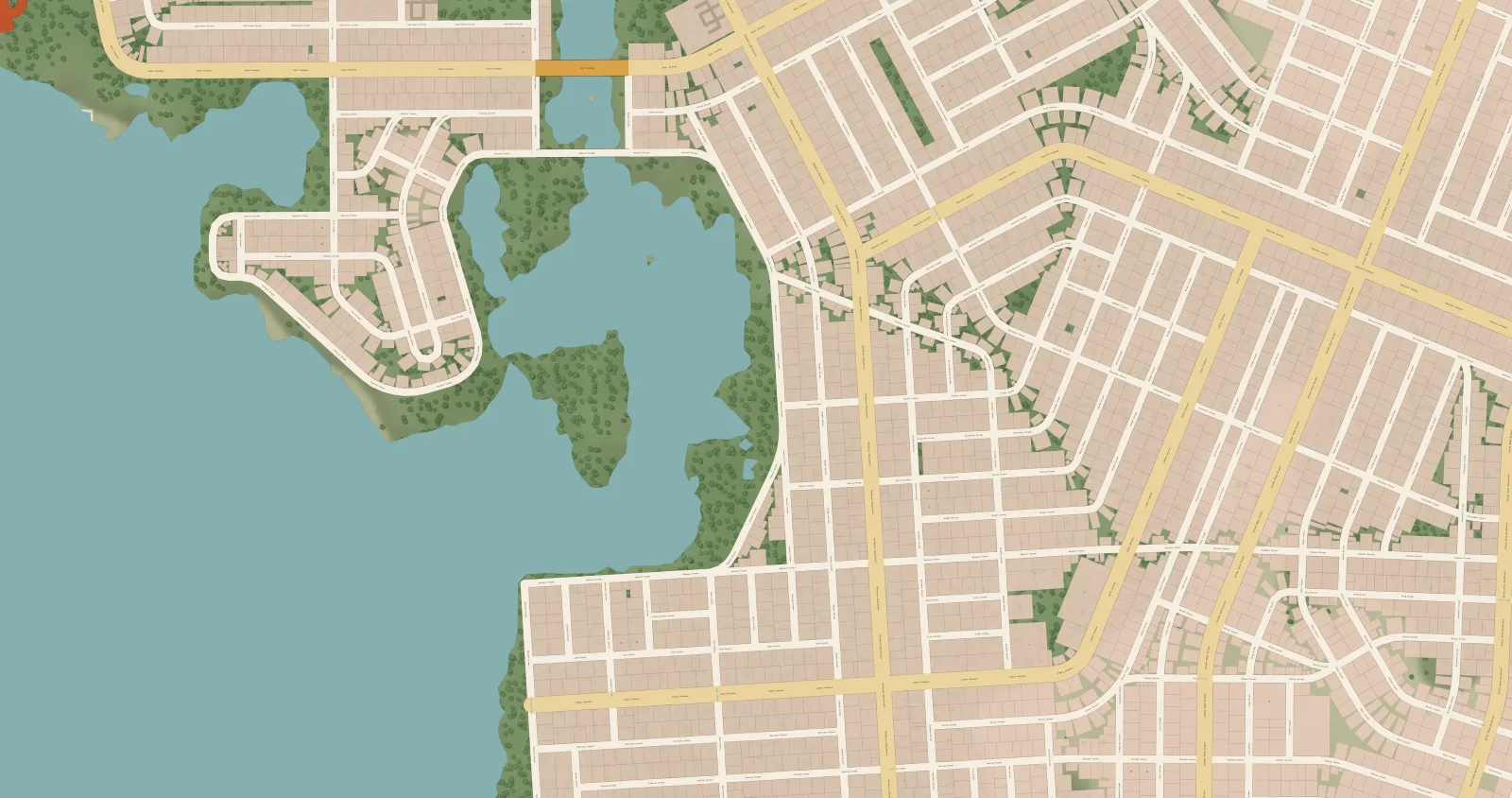
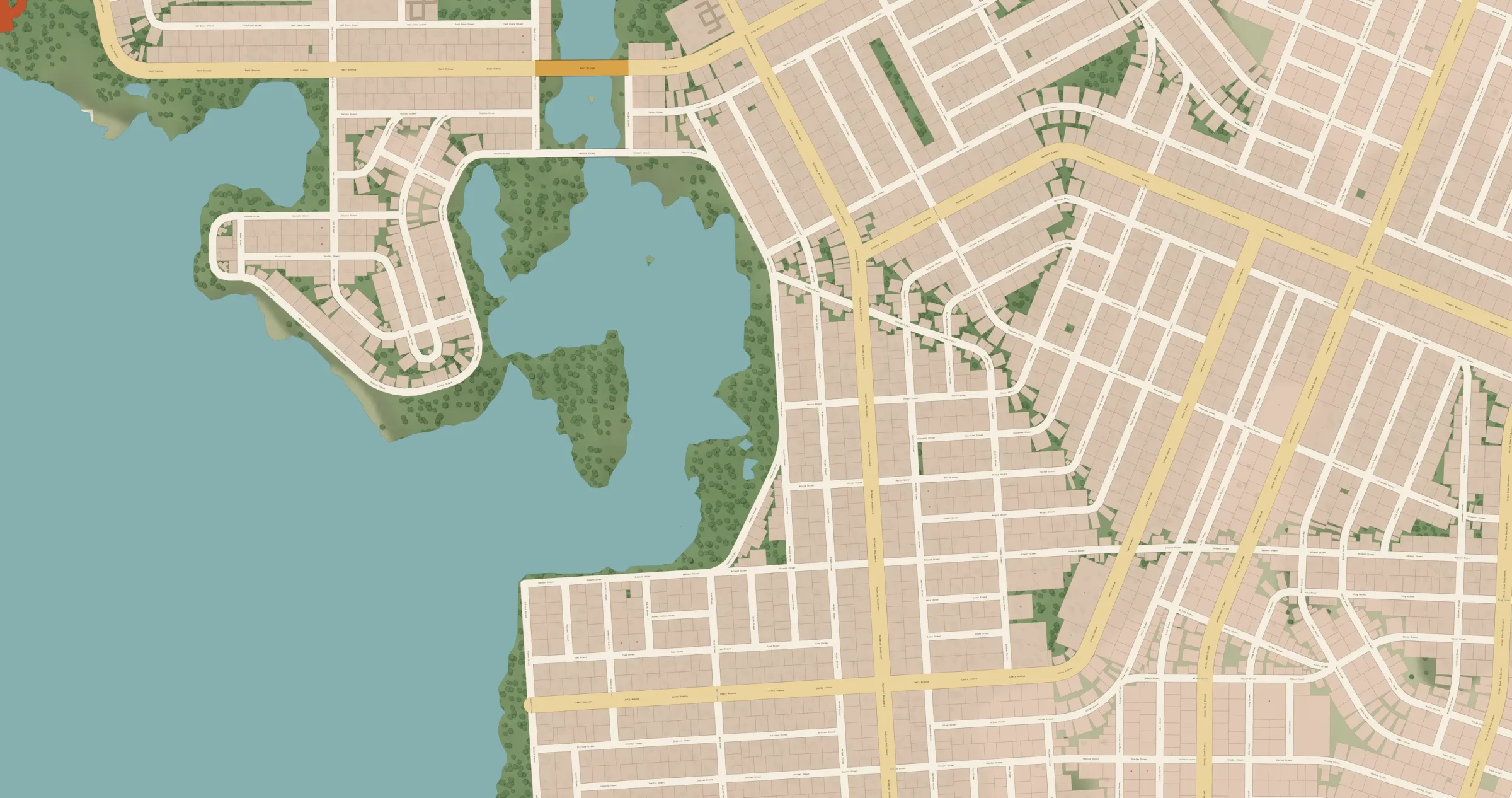
웨스트데일 (Westdale)Atlantic Keys · Day theme
Credit: MOTEL F. ALVA · Steam Workshop
03 · Layer by layer
Turn on only what tells your story.
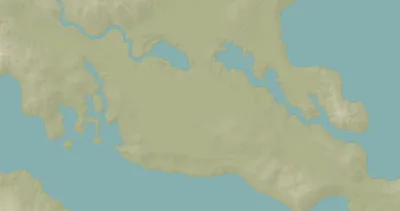
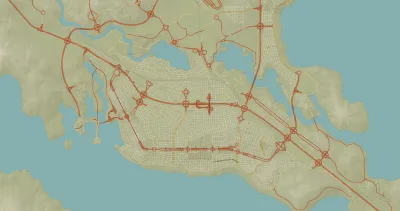
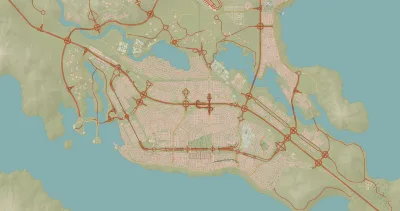
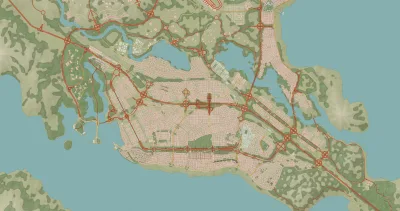
Terrain, base map, roads, buildings, forests, districts and transit. Start with the water and keep adding until the city reads on its own. And when a layer asks for more, open it: every layer has its own options panel.
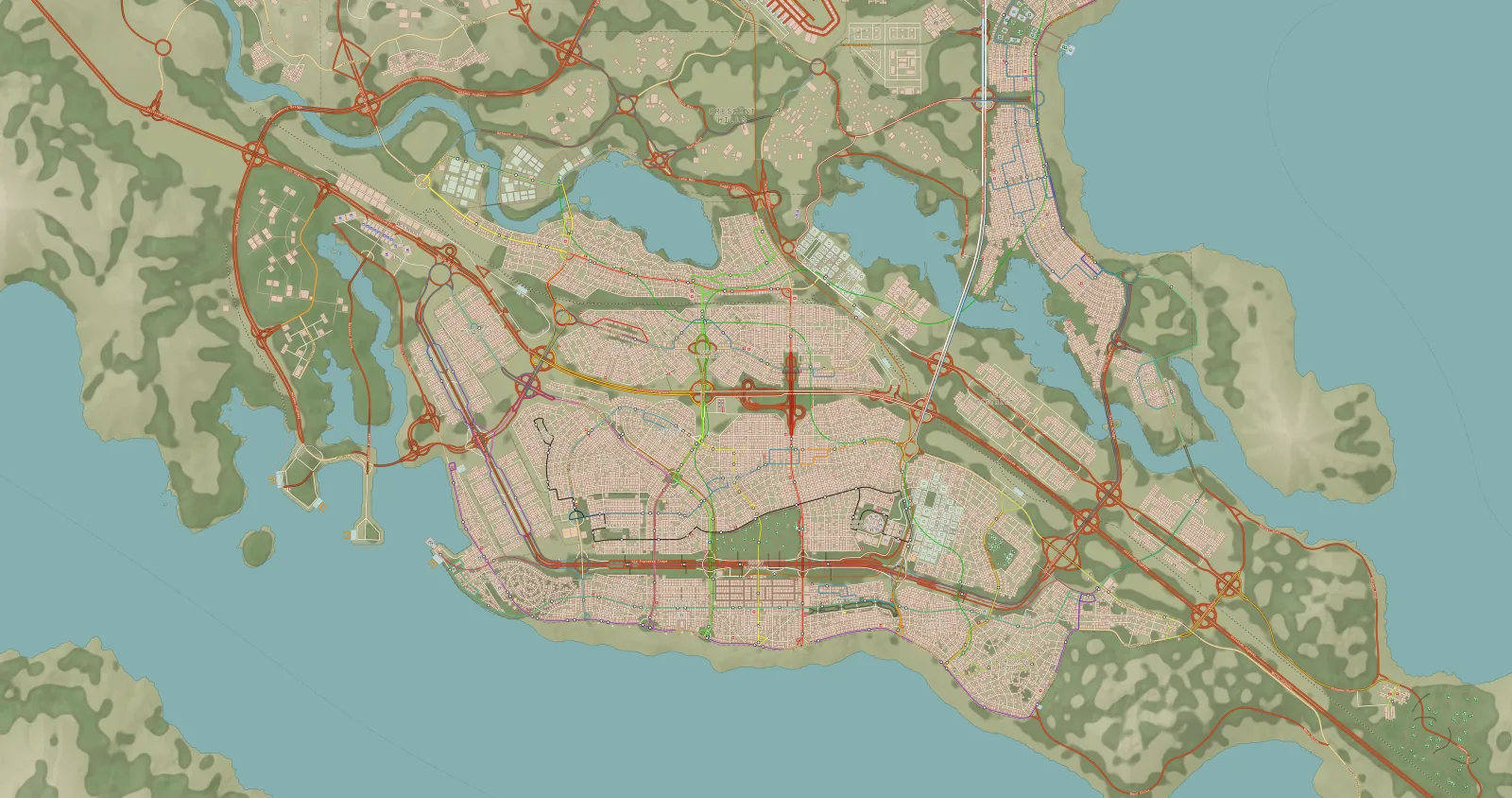
Credit: MatBarbosa · Steam Workshop
- 01 Terrain and water
- 02 Roads
- 03 Buildings
- 04 Forests
- 05 Districts
- 06 Transit
In other layers: hypsometric relief and contour lines, buildings by zone, forests as circles or a heat map, district fills.
04 · Themes
The same city, at another hour.
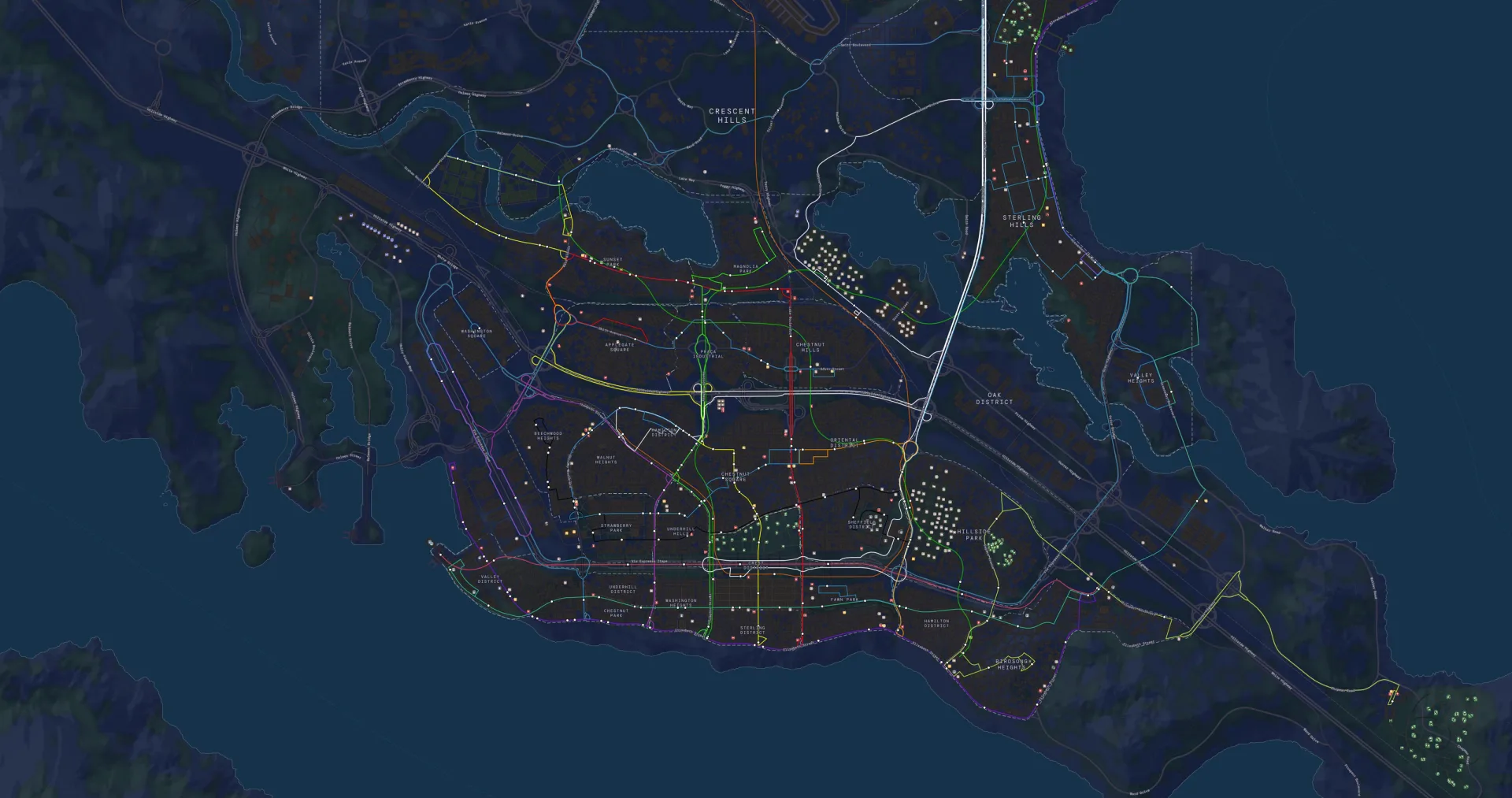
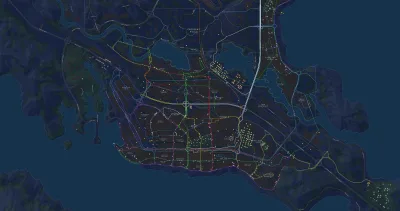
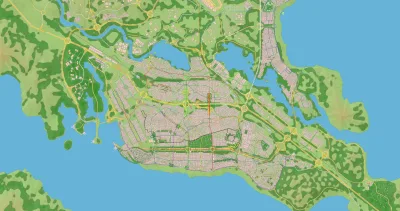
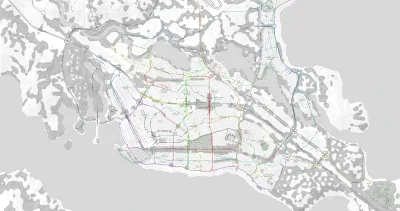
Five themes included. Day, the paper you know; Transit, to read your transport; and three inherited from CSL Map View for anyone who missed their old map. None of them yours?
Make your own .vellumstyle: the schema is public(opens in a new tab)
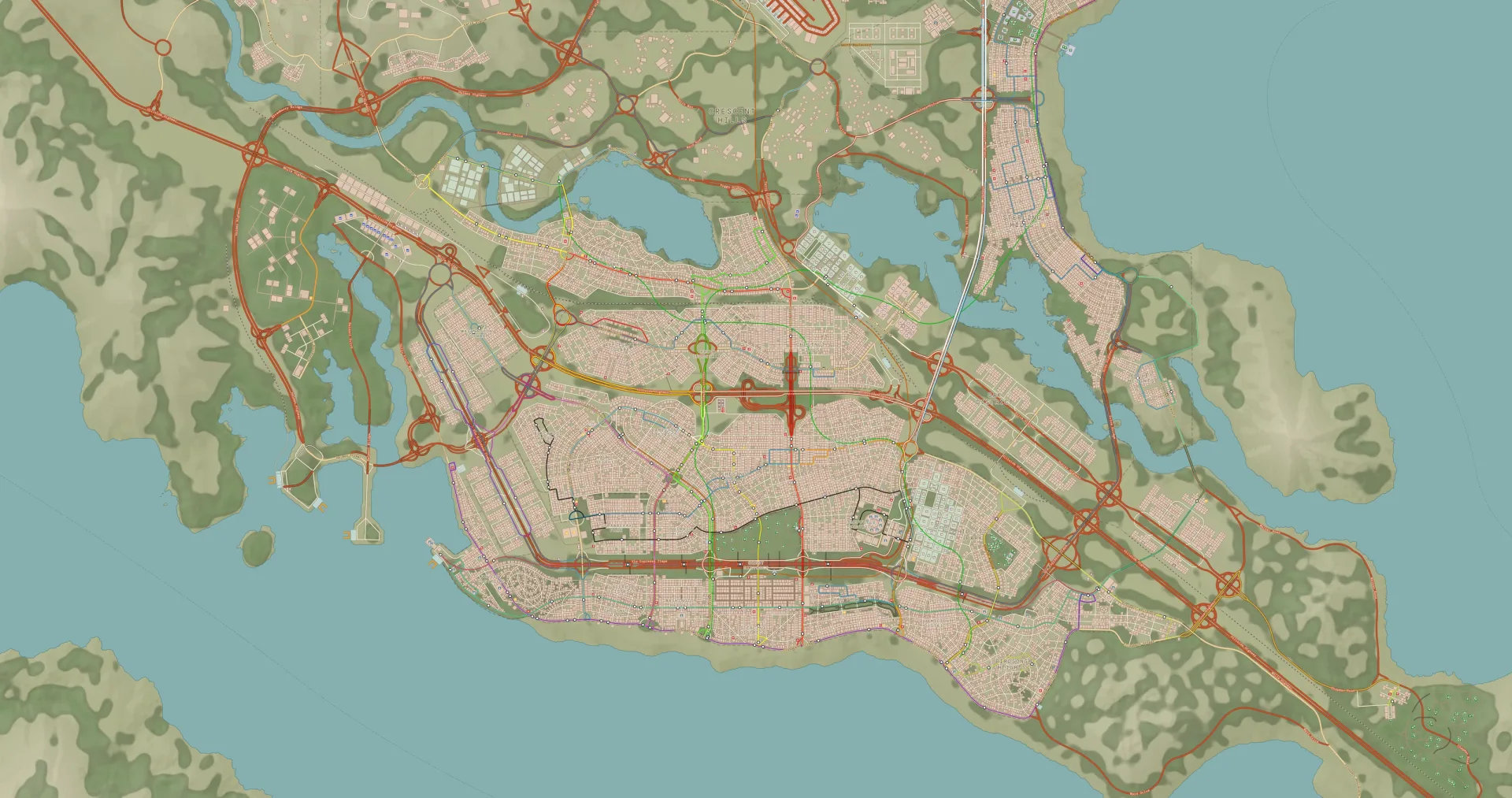
Left side
- DayDay
- TransitTransit
- ClassicClassic
- GrayscaleGrayscale
- Grayscale + WaterGrayscale + Water
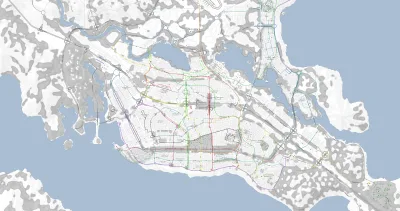
inherited from CSL Map View: Classic · Grayscale · Grayscale + Water
Right side
- DayDay
- TransitTransit
- ClassicClassic
- GrayscaleGrayscale
- Grayscale + WaterGrayscale + Water
inherited from CSL Map View: Classic · Grayscale · Grayscale + Water
05 · Night
Lights out.
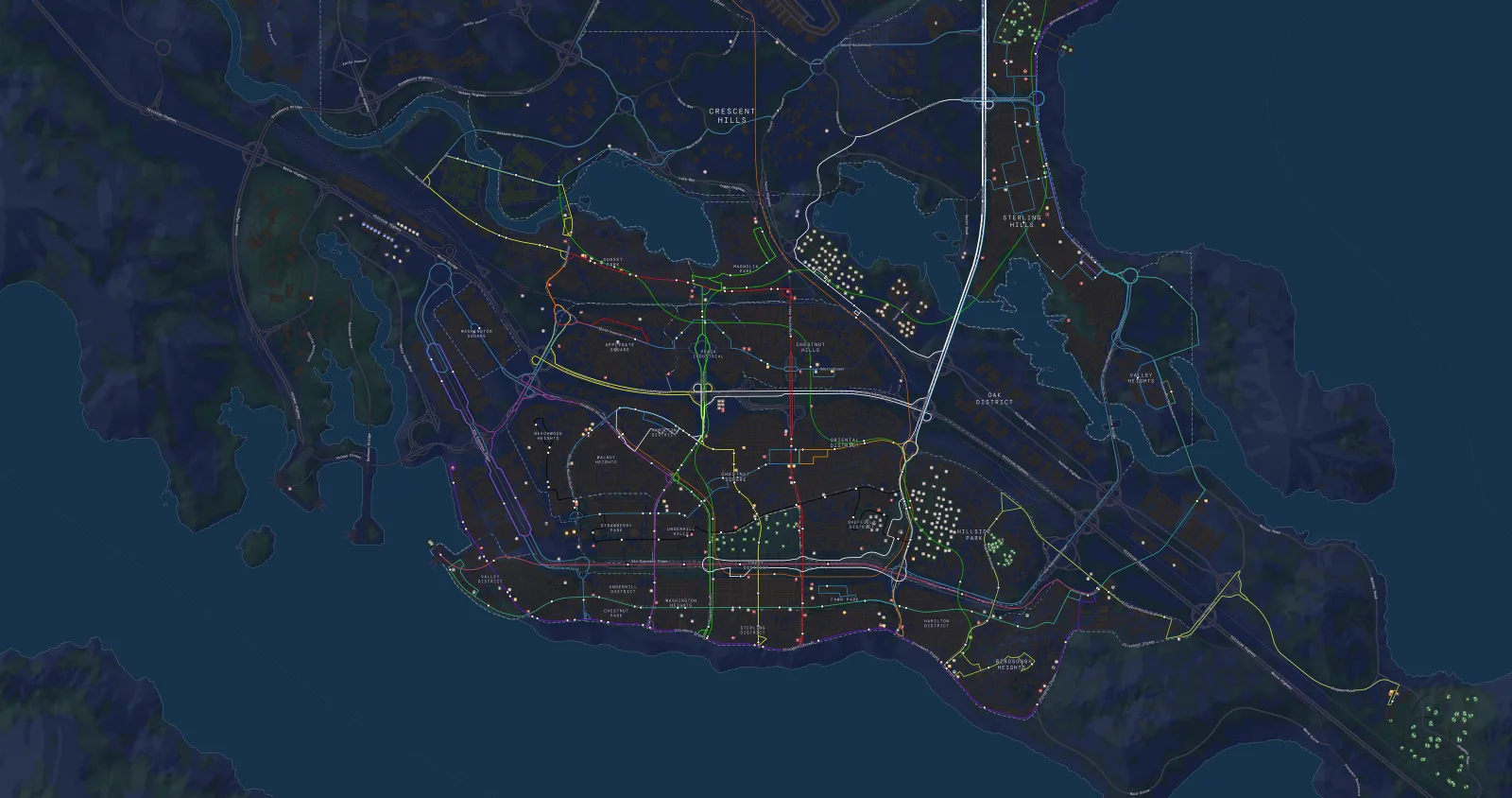
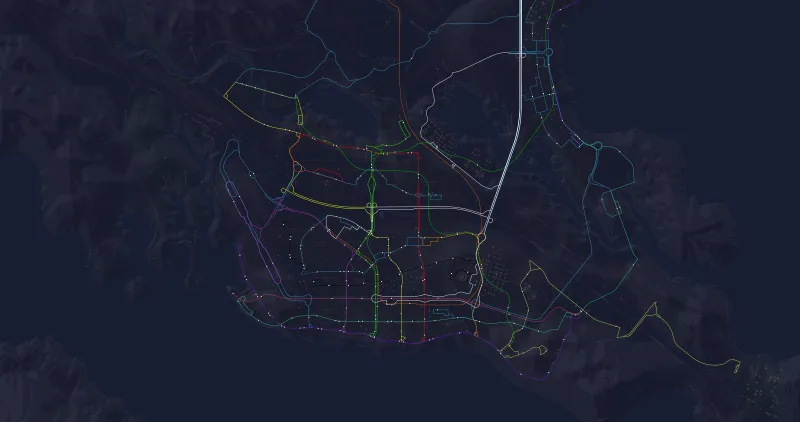
With the Transit theme the city goes dark and your lines remain, in the colours you gave them in the game. Turn on "Dim other layers" and the rest of the map fades over a dark background while only your lines stay in full colour.
06 · Schematic view
Your network, drawn like a metro map.
Open the schematic view and Vellum redraws every line at 45° angles, like the maps that hang on station platforms. The tangle of the city becomes a diagram you understand at a glance, with your stations and your colours.
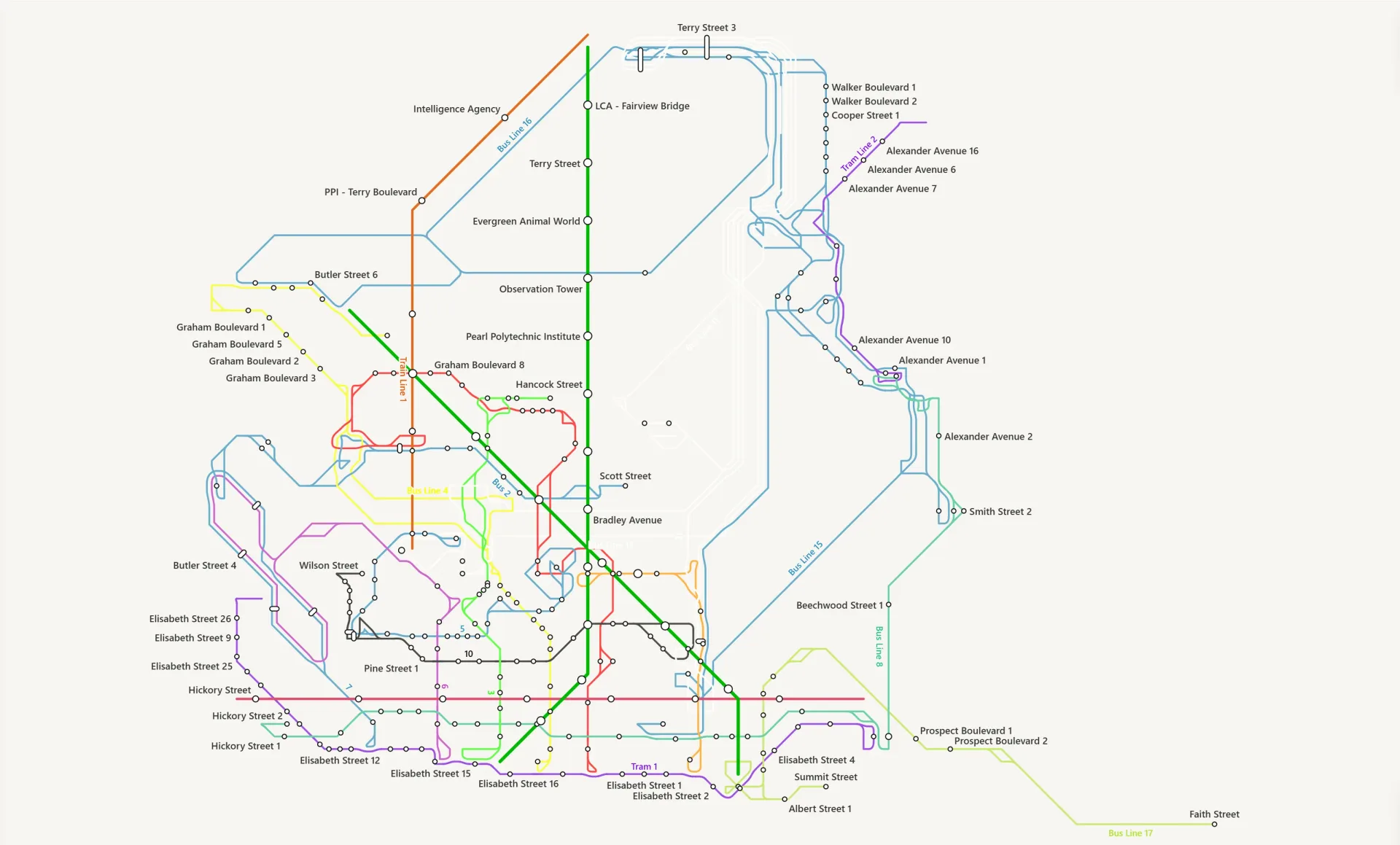
Credit: MatBarbosa · Steam Workshop
Octilinear
Only 0°, 45° and 90°
Every segment settles on the grid, with the turns at the stations.
Stations
One node per station
The platforms of a station collapse into one, with rail first.
Labels
Names that don't collide
Stops are labelled without overlapping. Click one to open its card.
Camera
Moves like the map
Smooth zoom and panning, just like the geographic view.
07 · Districts and places
Ask the map what's there.
Your neighbourhoods appear with their name, their boundary and a fill by specialization, or as markers if you prefer. With a city exported by Vellum Bridge, streets carry their names too.
Click a district, a park or a building and its card opens: population, households, jobs and specializations.
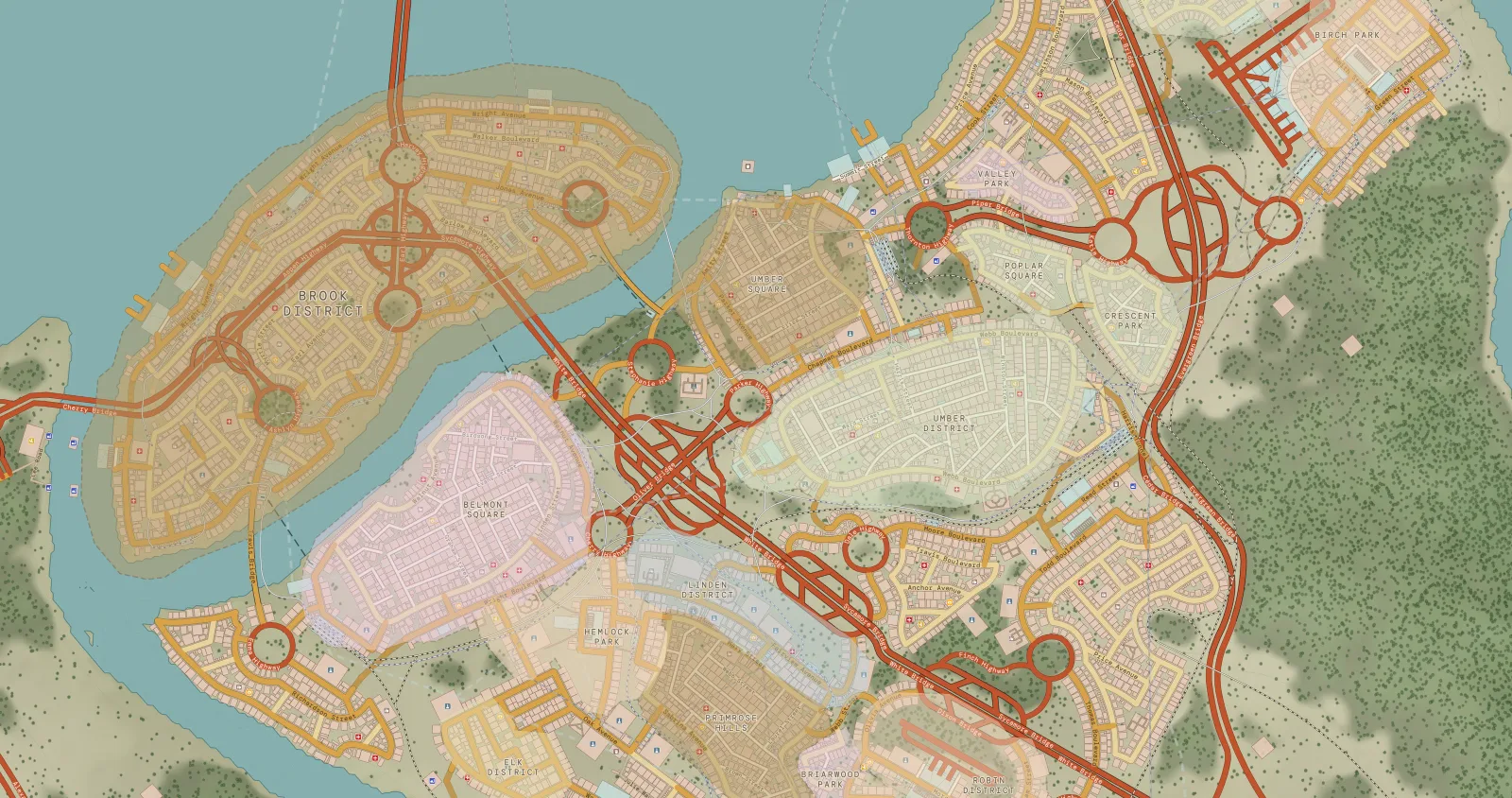
Credit: takkerue · Steam Workshop
Card of the sample district Harbor Heights: population, area, type and a bar with households and jobs by sector.
08 · For people who tell their city
Explain your city without fighting the camera.
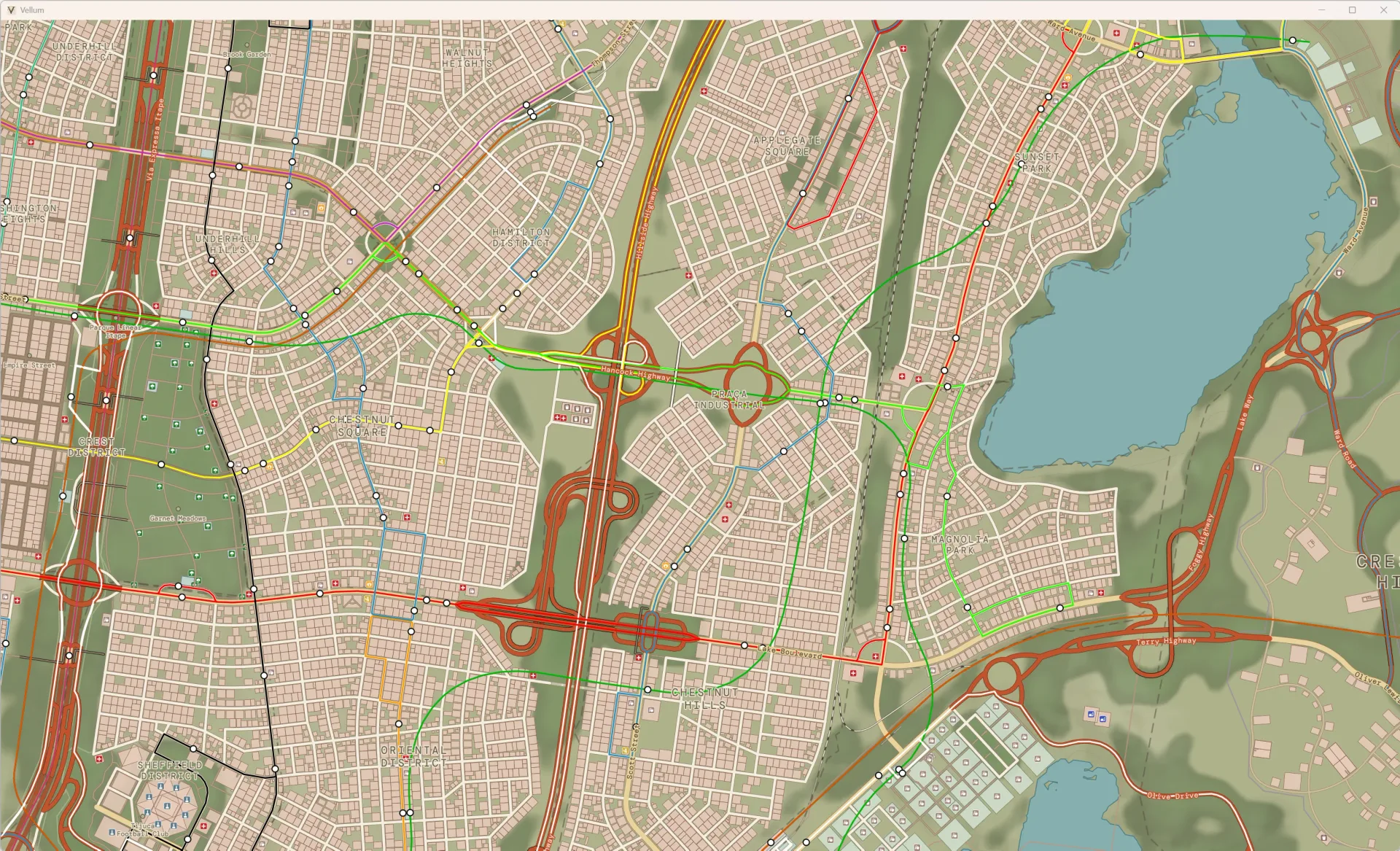
Credit: MatBarbosa · Steam Workshop
In the video
A map that reads in two seconds
Show where each zone is and what you're building. Export as PNG up to 4× or as SVG to edit it.
On stream
Vellum on another screen
Leave it open while you play. H hides the interface and leaves only the map.
To share
Your name in the corner
White, dark or transparent background, and your name in the map marginalia. Ready for Reddit, Steam or the video thumbnail.
09 · Print
What your map would look like printed.
When you export, Vellum can add the marginalia of a real chart: the name of your city, your name, the legend of roads and lines, the scale bar and the north arrow. Export a 4× PNG and take it to print.
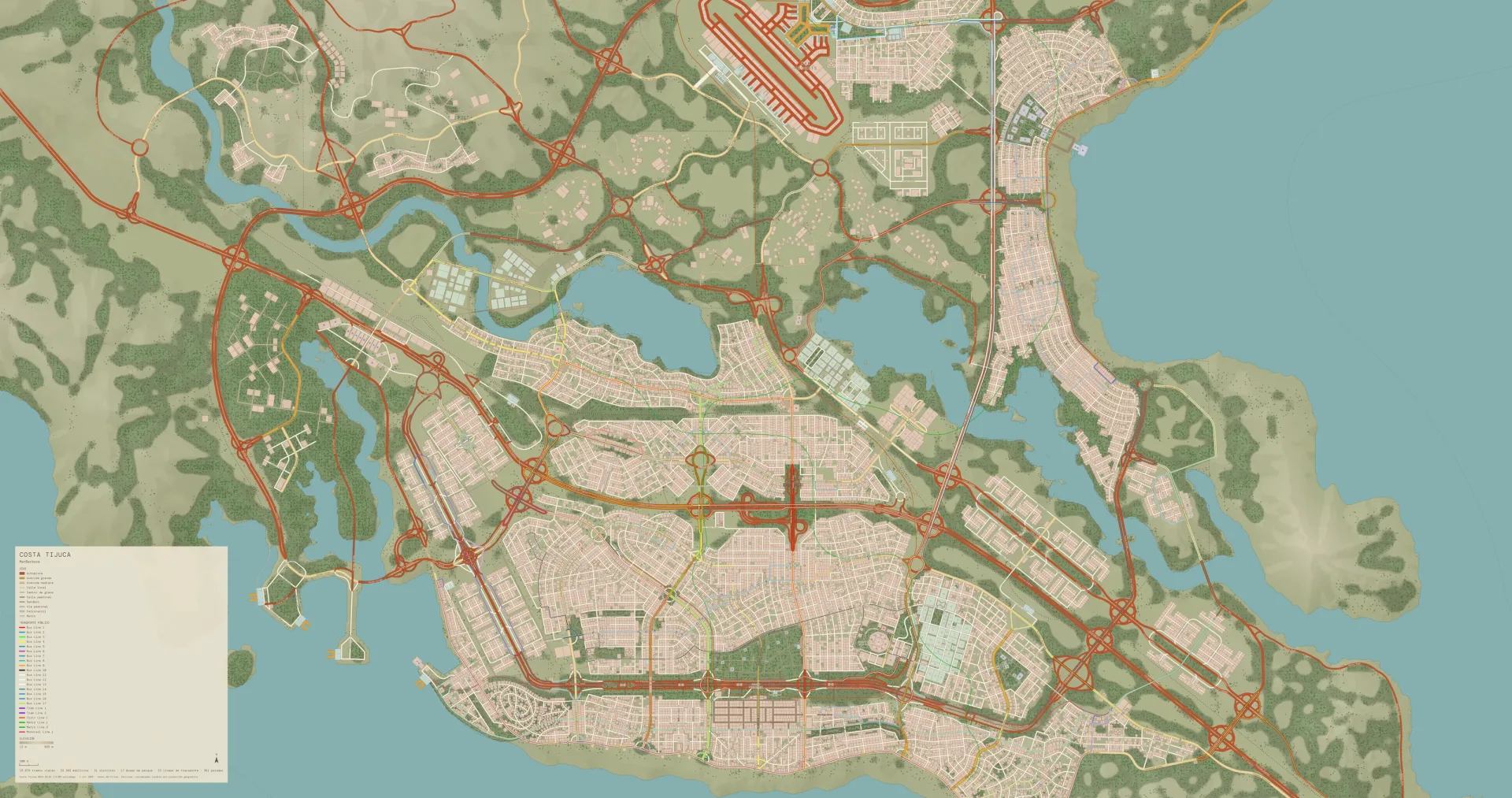
Costa Tijuca
- Identity
- city name · author
- Legends
- road hierarchy · transit lines and modes · elevation
- Aids
- scale bar · orientation
- Information
- map summary · data source and limits
- Corner
- any of the four
- Background
- white · dark · transparent
What you see in the panel is what the app exports (DM Mono, the colours of the theme). The texts change with every city.
10 · On your system
At home on every desktop.
The map is the same; the window takes on the look of your system with its own styles, without depending on it.
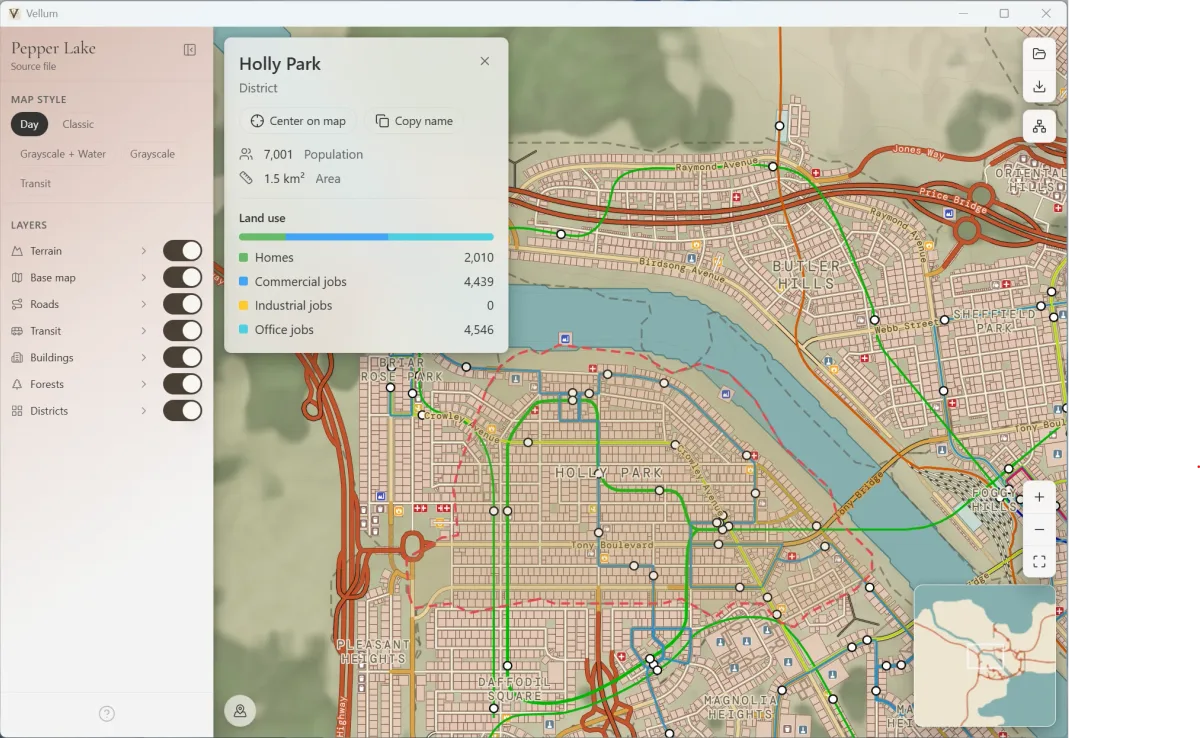
This is Windowsin the style of Mica and Acrylic 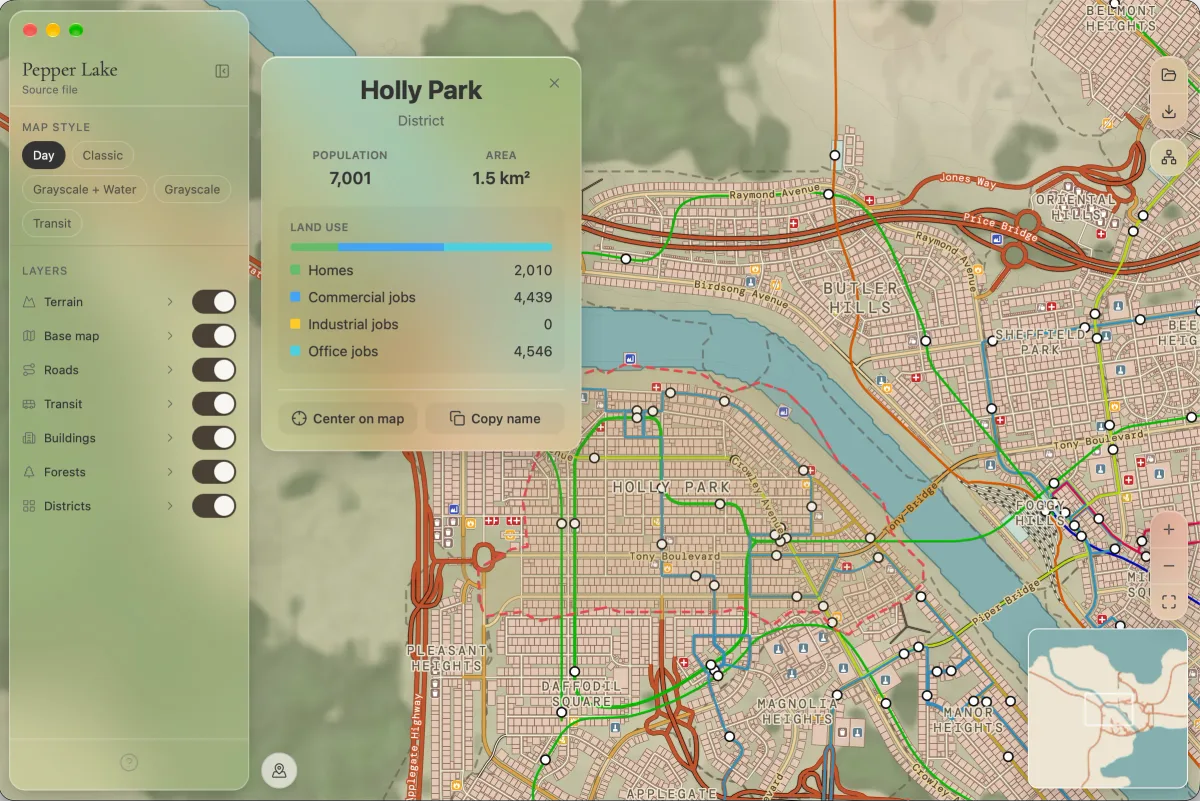
This is macOSin the style of Liquid Glass 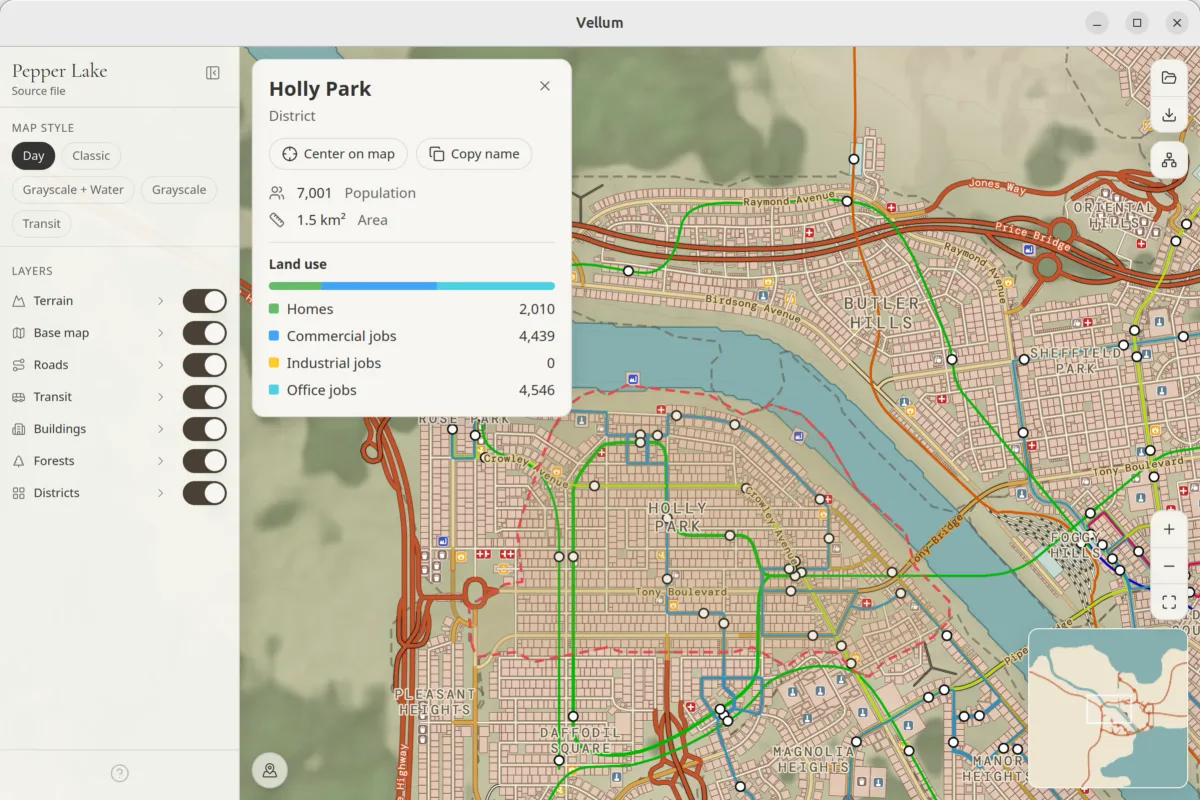
This is Linuxplain paper
11 · Download
Your city is waiting.
Free and open source. Pick your system and in a couple of minutes you're looking at your map.
Windows
Windows 10 1809 or later · x64
macOS
Universal · Apple Silicon and Intel
Linux
x86_64


And in the game
Vellum Bridge
Without Bridge, Vellum has nothing to draw. It's the mod that exports your city from Cities: Skylines with a button or Ctrl + Shift + E. Offline and read-only.
Get Vellum Bridge on Steam Workshop(opens in a new tab)Coming from CSL Map View? Vellum opens your .cslmap files too.